
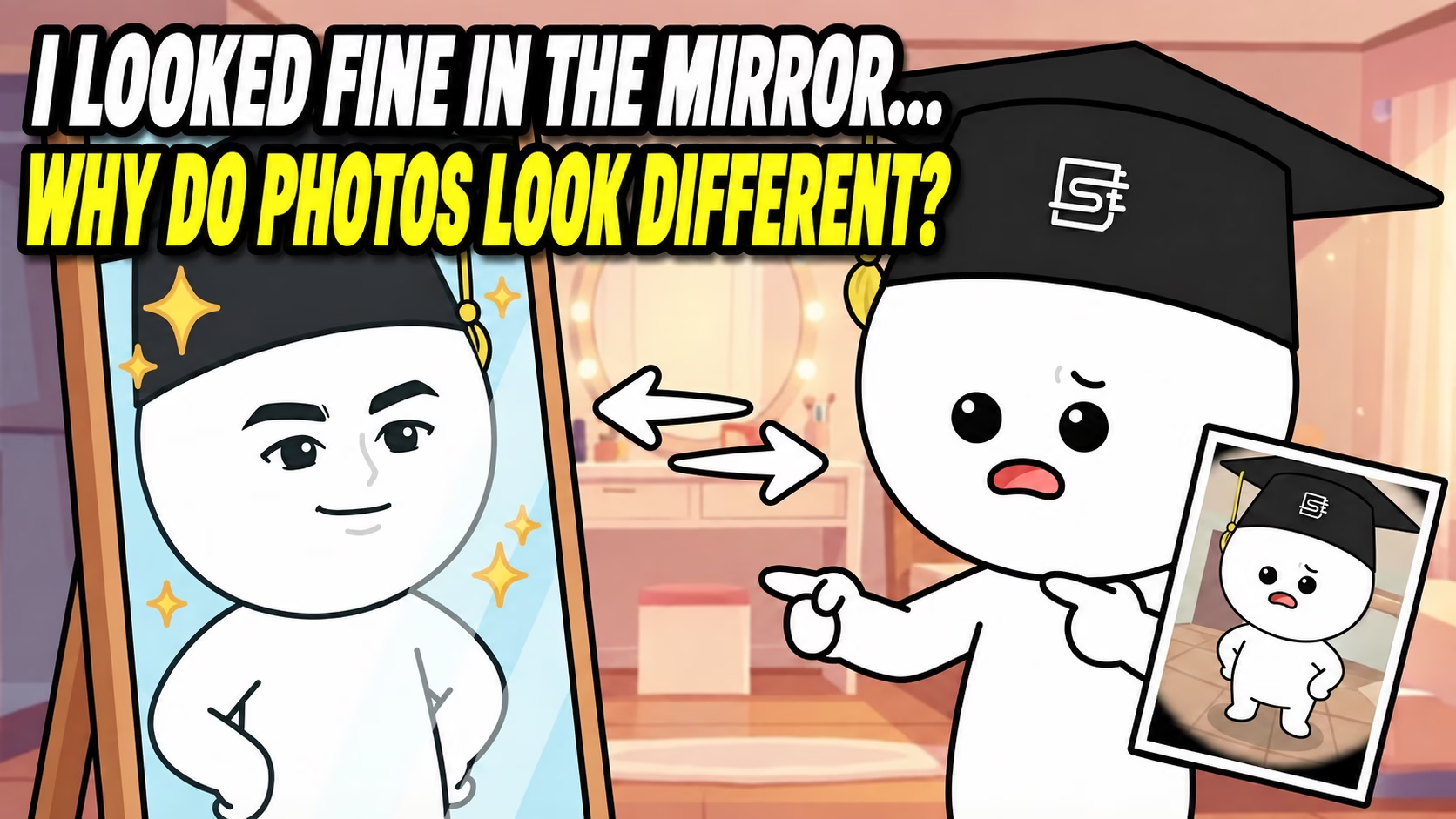
These days, it is fair to say that most people carry a camera all the time: with a smartphone, you can take a picture whenever you like. Phones have both front and rear cameras. The front camera is usually used to photograph yourself while seeing your face, and the rear camera to photograph other people or objects.
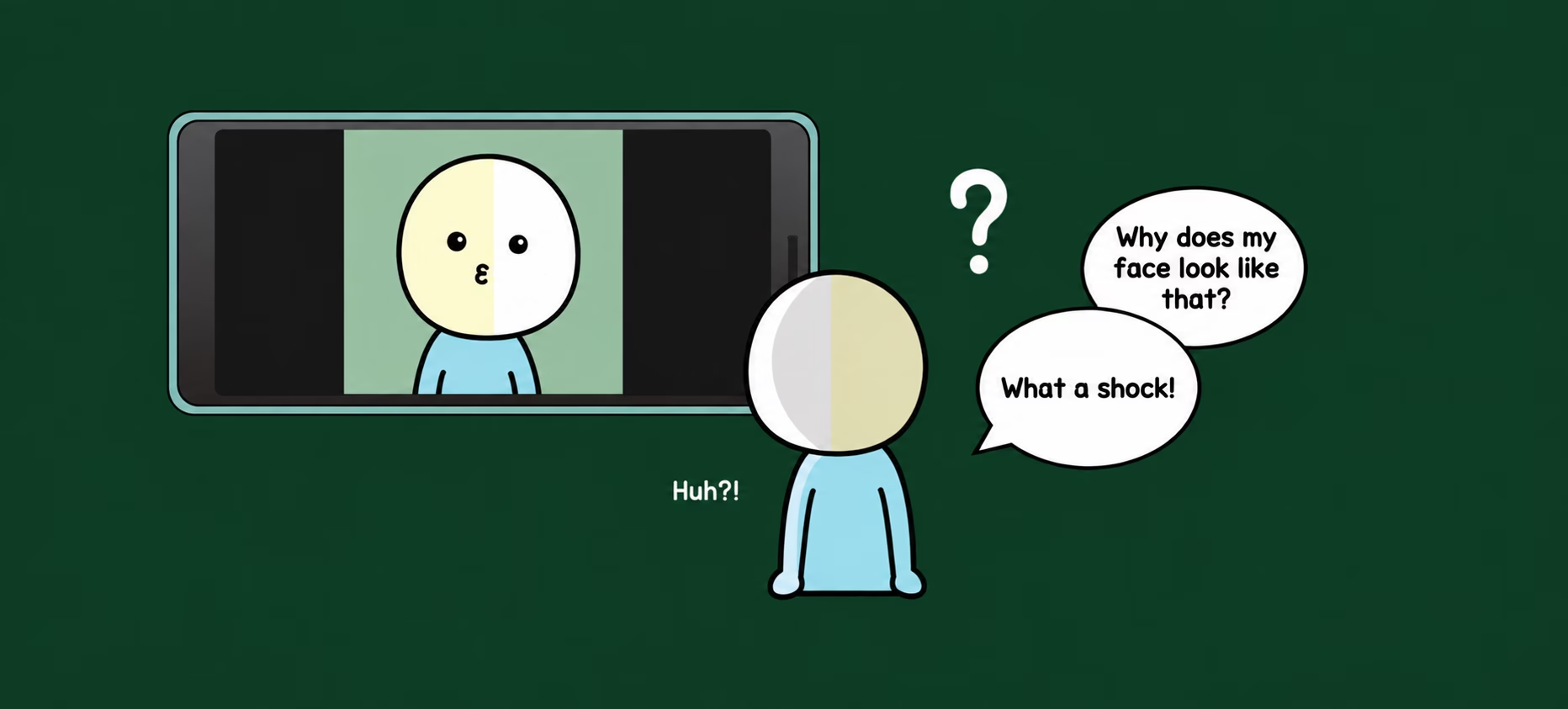
With the front camera, you see the familiar face you know from the mirror on your phone’s screen. But when the rear camera photographs your face, many people feel that they look different from usual. Apart from differences in resolution, a key difference is whether the image is flipped left to right. Why can that make your own face feel so unfamiliar?
The face in the mirror and the face in a photo
This leads many people to wonder: which is my real face—the one in the mirror or front camera, or the one in a photo someone else took with the rear camera? We worry about this because we cannot see our own face directly with our own eyes without something like a mirror.
The front-camera view shows the familiar, left-right-reversed face seen in a mirror. The rear camera shows the unmirrored face that other people see. Looking at such a photo can therefore make you wonder whether you really look that way to everyone else.
A small experiment with 22 people
If the difference is hard to understand, consider a small experiment I carried out with 22 people. It was simple: take their front-camera face photos, flip them left to right and see how they react.
From my perspective as the person running the experiment, their faces looked almost the same with or without the flip.
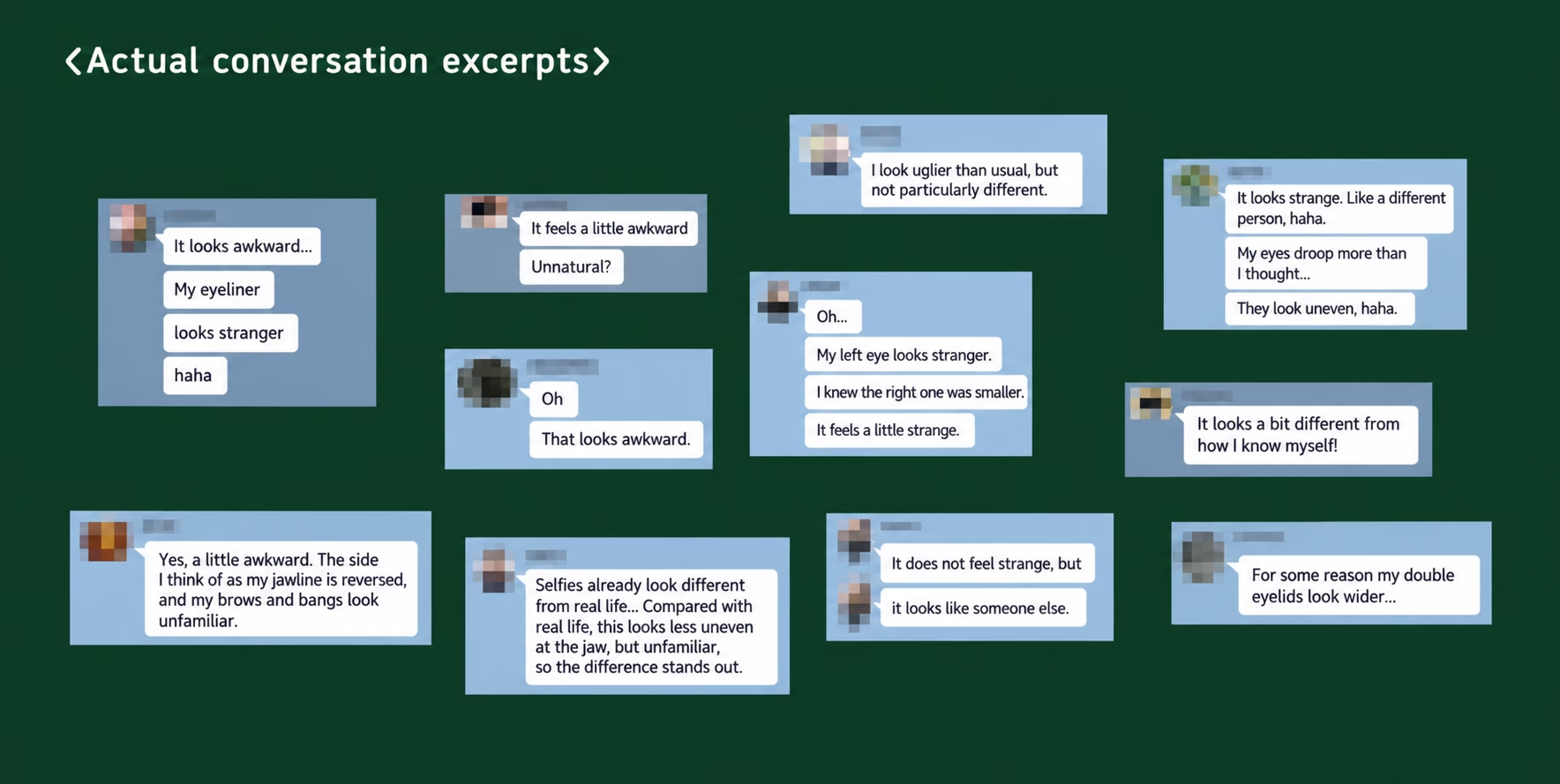
Interestingly, 11 participants said things like “It looks awkward” or “It doesn’t look like me.” Why did half of them feel that a flipped image of their own face no longer looked like themselves?
Familiarity and the way we process faces
Throughout life, we repeatedly see our own face reversed in a mirror. When looking at another person, however, people are said to look first at the left side of the face from the viewer’s perspective.
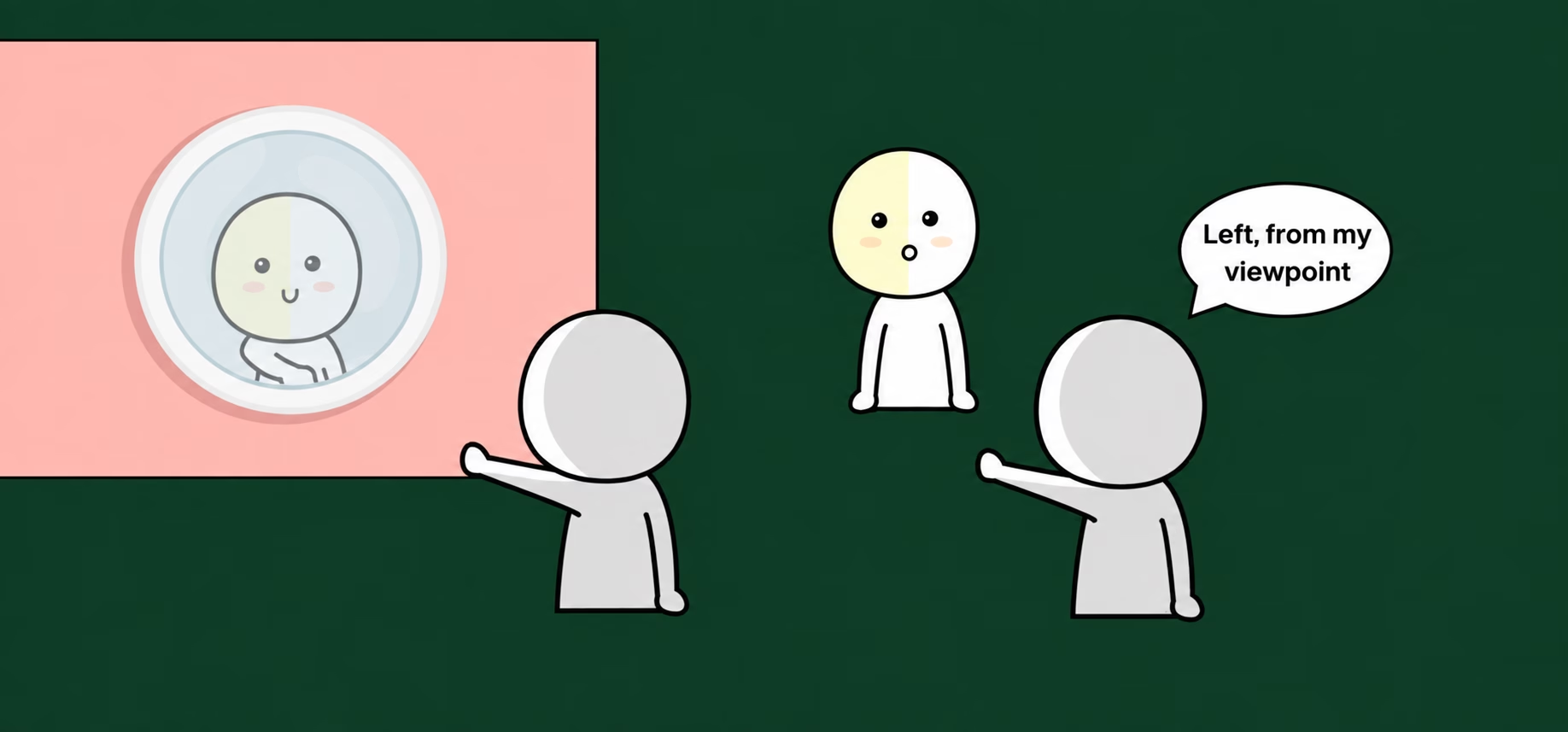
A paper by psychology researchers at the University of St Andrews describes showing participants left- and right-side facial photographs and asking which they preferred. According to the account, as many as 90% preferred their left-side face.
The researchers explained the result in terms of the right hemisphere’s strength in visual information processing: people recognize a whole face largely from the side on their own left as they view it.
When looking in a mirror, you become accustomed to the face on the mirror’s left. But when you look at an unmirrored rear-camera photo, you first see what is actually the right side of your face.
Facial asymmetry and an unfamiliar impression
Most people have some facial asymmetry associated with habits such as chewing on one side or resting the chin on a hand. When you see the opposite side from the one you are used to, the asymmetries you usually overlook may catch your attention first, creating an unfamiliar feeling.
Yet, as the small experiment showed, other people see little difference between the original and flipped photos. It is you, the person most familiar with your face, who feels that difference.
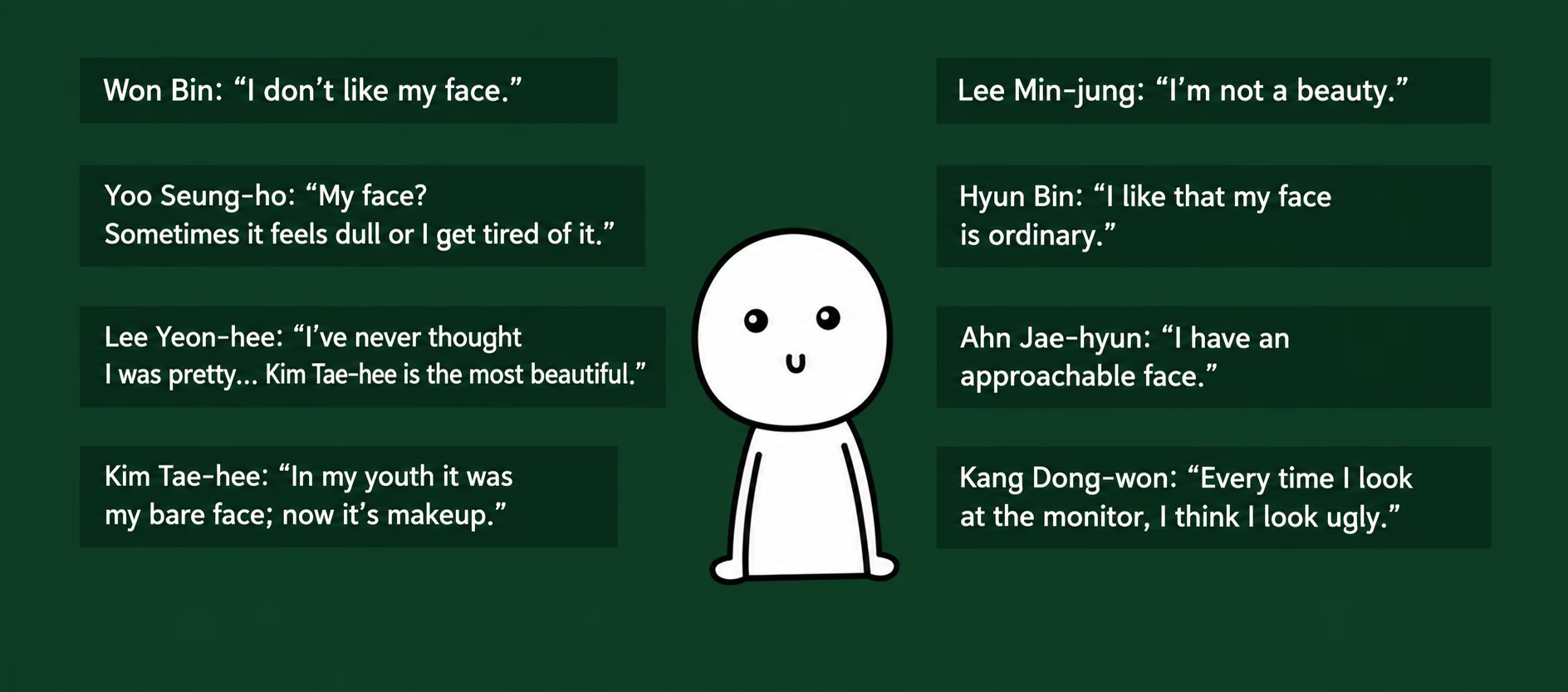
My own thought is that this may help explain why celebrities famous for being handsome or beautiful sometimes complain about their looks. Instead of the reversed face they know from a mirror, they are seeing unmirrored images filmed or photographed by someone else.
Camera lenses also distort the image
Above all, photographs can be distorted by the camera lens, so they cannot perfectly reproduce a real face. East Asian faces, for example, often appear flatter in photographs, with smaller-looking eyes.
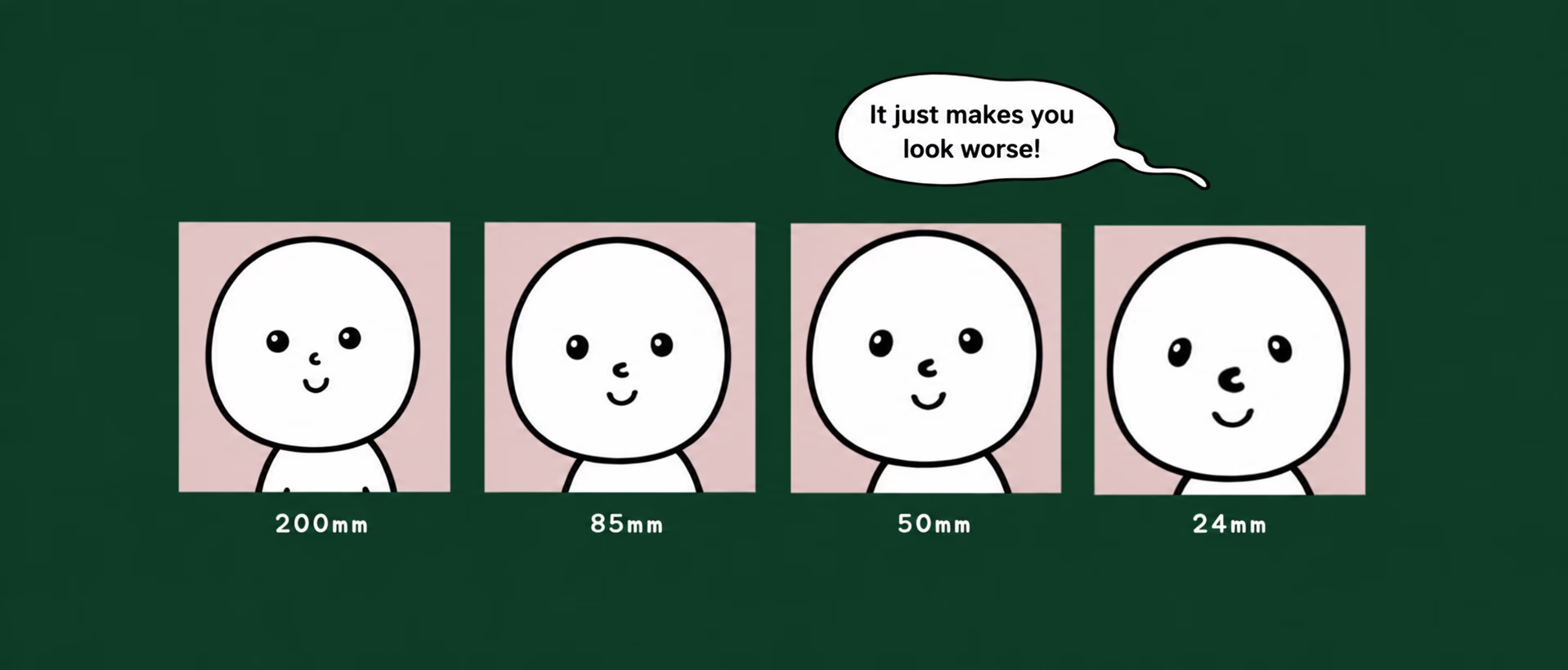
Try taking selfies with both the front and rear cameras of your phone and comparing them. Someone with a well-balanced face may feel less of a difference, while someone whose face is less symmetrical may find the unfamiliar version much more striking. Has that answered your question?
Related reading in Korean: Why does facial asymmetry develop?
Copyright. 사물궁이 잡학지식. All rights reserved
Read the original Korean article · More articles in English
Watch the original Samulgoongi video below. Turn on CC, then choose English (United States) under Settings → Subtitles/CC.